Ready to deploy humanoid robots in your business?
Thank you for reaching out. A member of our team will be in touch shortly.
Oops! Something went wrong while submitting the form. Please try again.




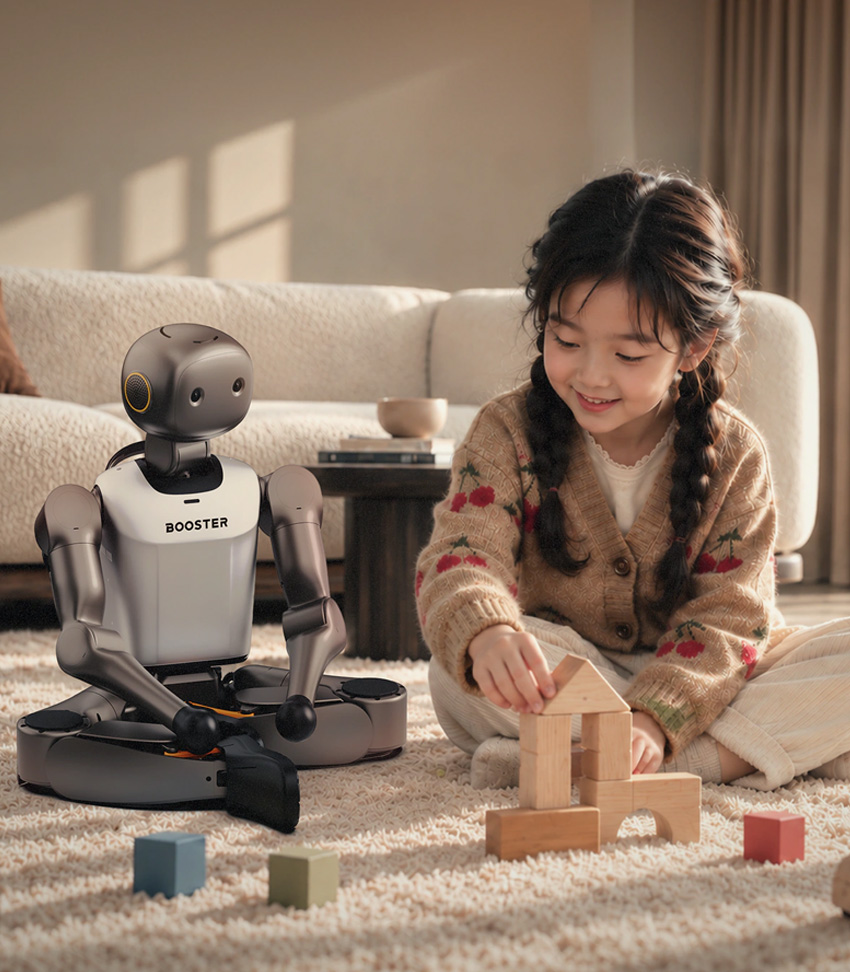
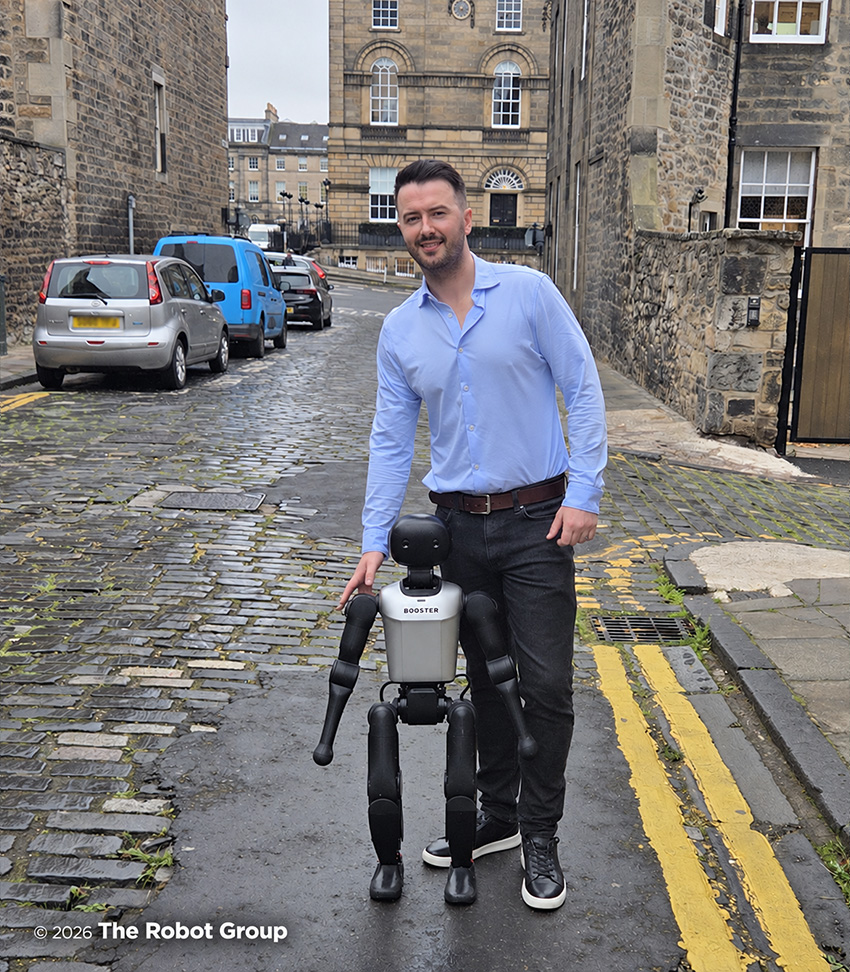
Booster K1 gives educators and developers a practical platform for learning, testing ideas and building robot behaviours. Teams can begin with built-in activities, then progress to programming, simulation and custom development as their experience grows.
The software supports several ways of working. Use the Booster App for everyday control, develop applications in Booster Studio, or work directly with Python and C++ interfaces. Free, open-source training and deployment resources provide a foundation for developing and testing your own movement policies.
The Robot Group helps UK organisations assess K1 against their teaching objectives, research programme or development plans, including the appropriate hardware edition and support requirements.